
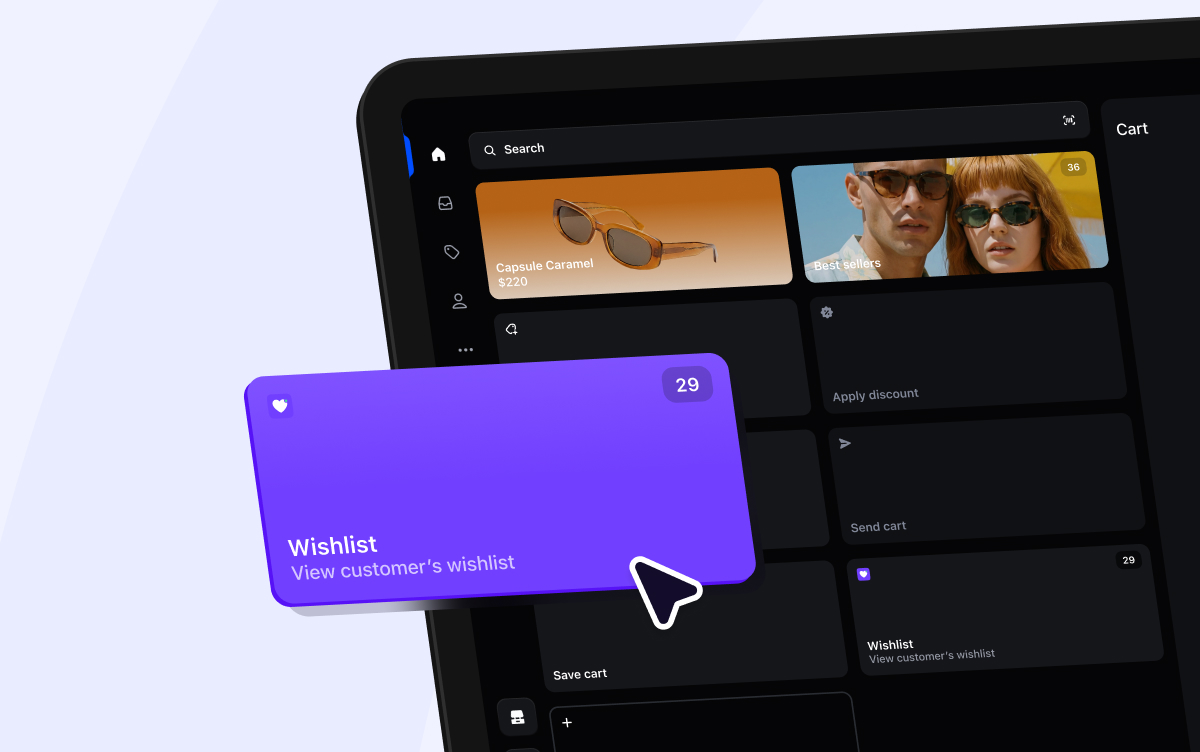
Let your store staff build wishlists for customers

In store, your staff can save products to a customer's wishlist from Shopify POS. The customer finds them later on your online store. Staff can also open what the customer saved online and help them find it in the store.

Customer wishlist available to staff in Shopify POS

In the store

A customer tries three items but isn't ready to buy.

Your sales associate adds them to the customer's wishlist from Shopify POS in two taps. Back home, the customer signs in to your online store and the products are waiting in their wishlist.

  1. 1The customer tries products in store
  2. 2Staff save them to the customer's wishlist in POS
  3. 3The customer finds them on your online store

Two directions

One wishlist, in store and online.

In store → online

Save products for the customer

On any POS product screen, staff add the item to the customer's wishlist, or a specific variant when variant saving is enabled. It shows up in the customer's wishlist on your online store. Staff can also remove items during the visit.

Online → in store

Open what they saved online

From the Wishlist tile or the customer's profile, staff see the products the customer saved online. They check variants and stock at the current location, then add the chosen variant to the POS cart.

What it changes for your store

  • A visit that doesn't end in a sale isn't lost: the products stay in the customer's wishlist.
  • Customers come back online to products they have already tried in store.
  • Each customer keeps one wishlist, shared between your store and your website.