Let guests save products
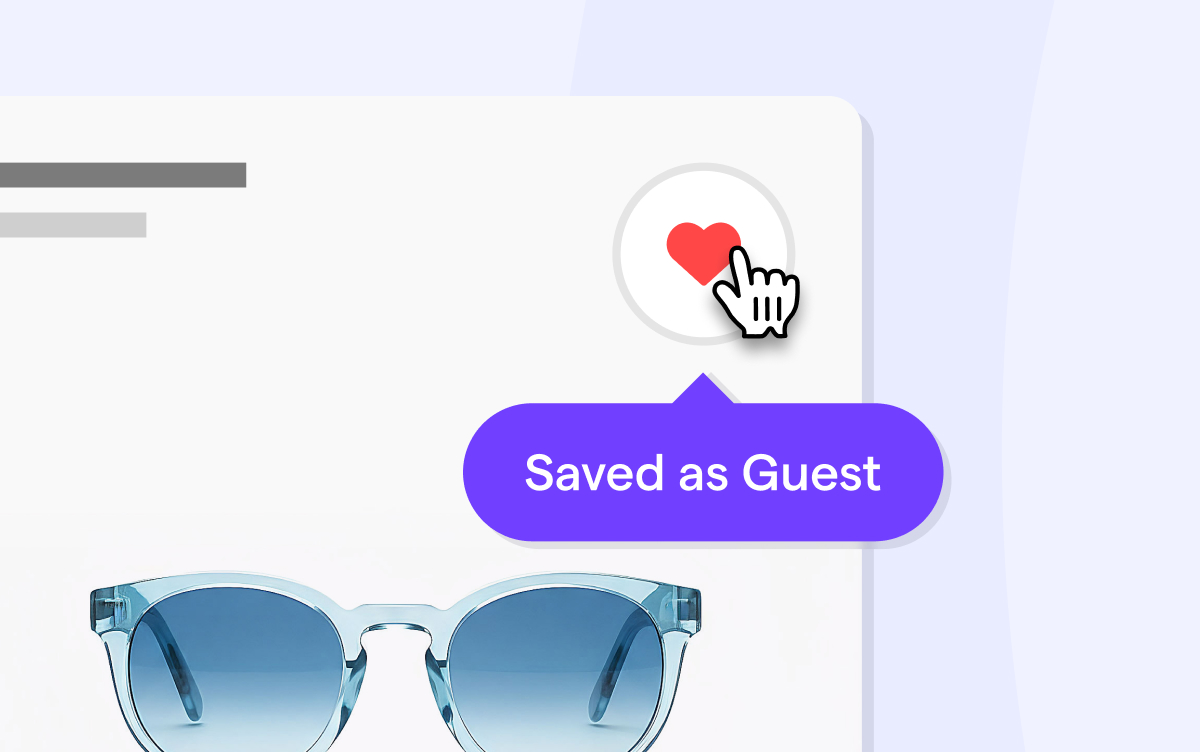
With guest access, a visitor can start a wishlist without creating an account. This keeps the save action available while they browse your store.

You can open the wishlist to guests and signed-in customers, or ask shoppers to sign in before saving products. The right choice depends on the experience you want to offer and when you want to identify a customer.
How it works
With guest access, a visitor can start a wishlist without creating an account. This keeps the save action available while they browse your store.
If you prefer an identified wishlist experience, enable required login. A shopper who is not signed in is prompted to log in before adding a product. This option is included from the Starter plan.
Open the Wishlist setup app embed in your Shopify theme editor and choose the access mode. The guide shows where to find the setting and how to check the storefront result.