01
Bring favorites into the final step
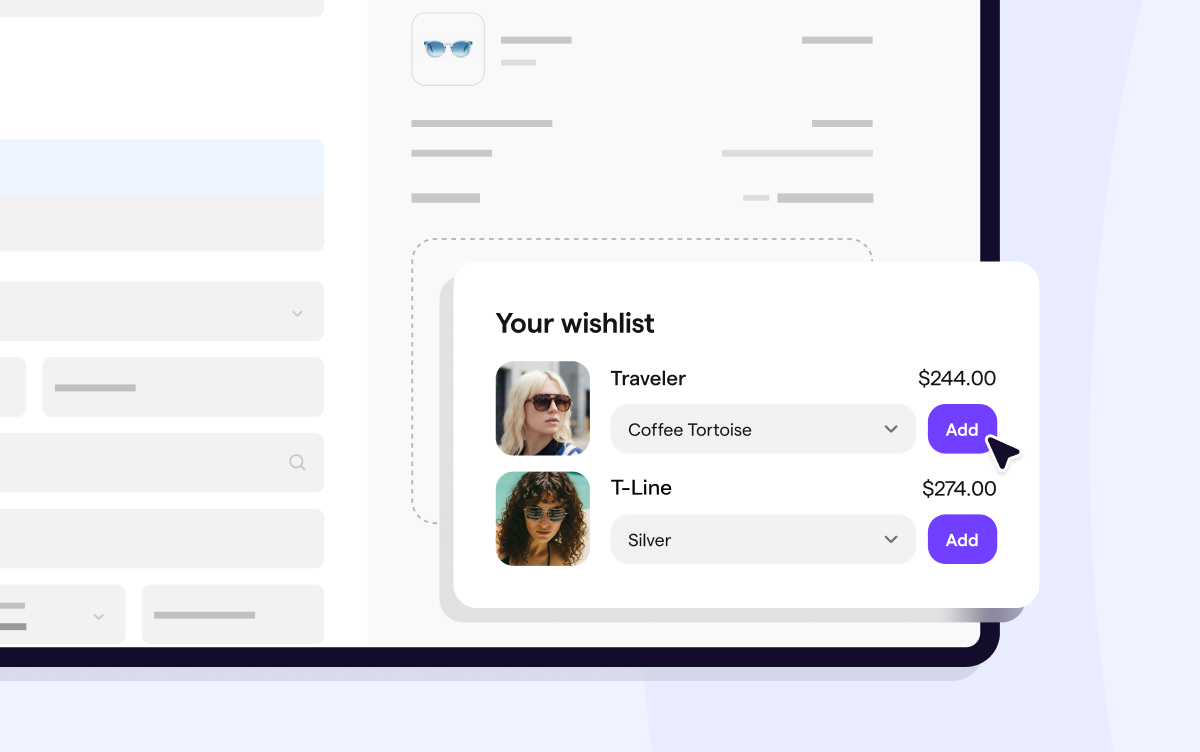
Show a selection of saved products in checkout when the shopper's wishlist can be identified. The merchant can set how many products the block displays. The block stays hidden when there is no eligible wishlist product to show.
02
Add an available variant to the order
The shopper can review a product, select a variant when needed and add it to the current checkout. An unavailable variant cannot be added.
03
Check both eligibility requirements
This feature requires the Pro plan of Wishlist Power and a Shopify Plus store that can use app blocks in checkout. Add and position the Wishlist Power block in Shopify's checkout editor.