01
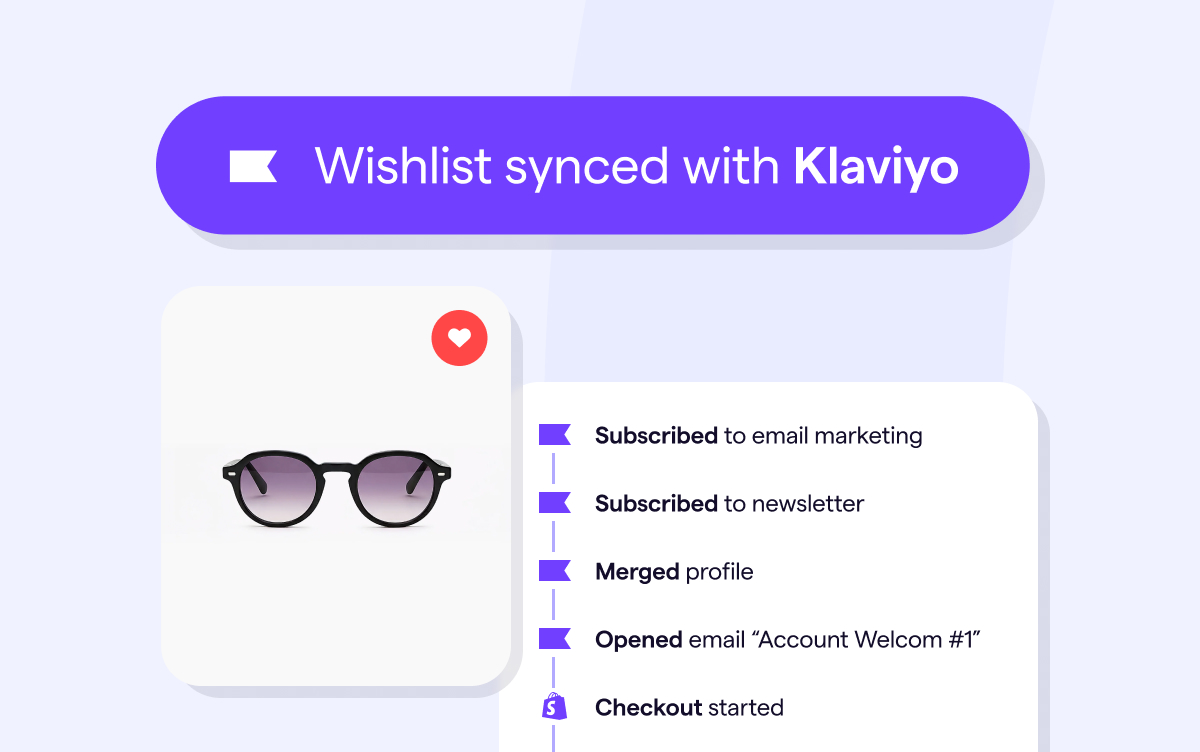
Build Klaviyo flows from wishlist events
Sync selected events such as adding or removing a product and viewing a wishlist page. The integration also supports price drop and back-in-stock events for saved products. Create the email or other message in Klaviyo and choose when it should run.
02
Use wishlist data in Shopify Flow
Use the Shopify Flow integration to build workflows around wishlist activity in your Shopify environment. You decide the conditions and actions of each workflow.
03
Start with a test customer
Klaviyo and Shopify Flow are included in the Pro plan. After connecting an integration, save a product as a signed-in test customer and confirm the expected event arrives before activating your workflow.